KingL Digital Stopwatch Timer – Interval Timer with Large
Product Overview
The KingL Digital Stopwatch Timer is a reliable and practical timekeeping solution built for athletes, coaches, fitness professionals, and anyone who values accurate timing. Whether you’re tracking sprint intervals, managing workout-rest cycles, or simply keeping tabs on daily activities, this device delivers consistent performance with a user-friendly interface. Its combination of stopwatch precision and essential clock features makes it more than just a timer—it’s a multi-purpose tool for both training and everyday scheduling. Designed with clarity and functionality in mind, it supports a wide range of timing needs without unnecessary complexity.
Key Features
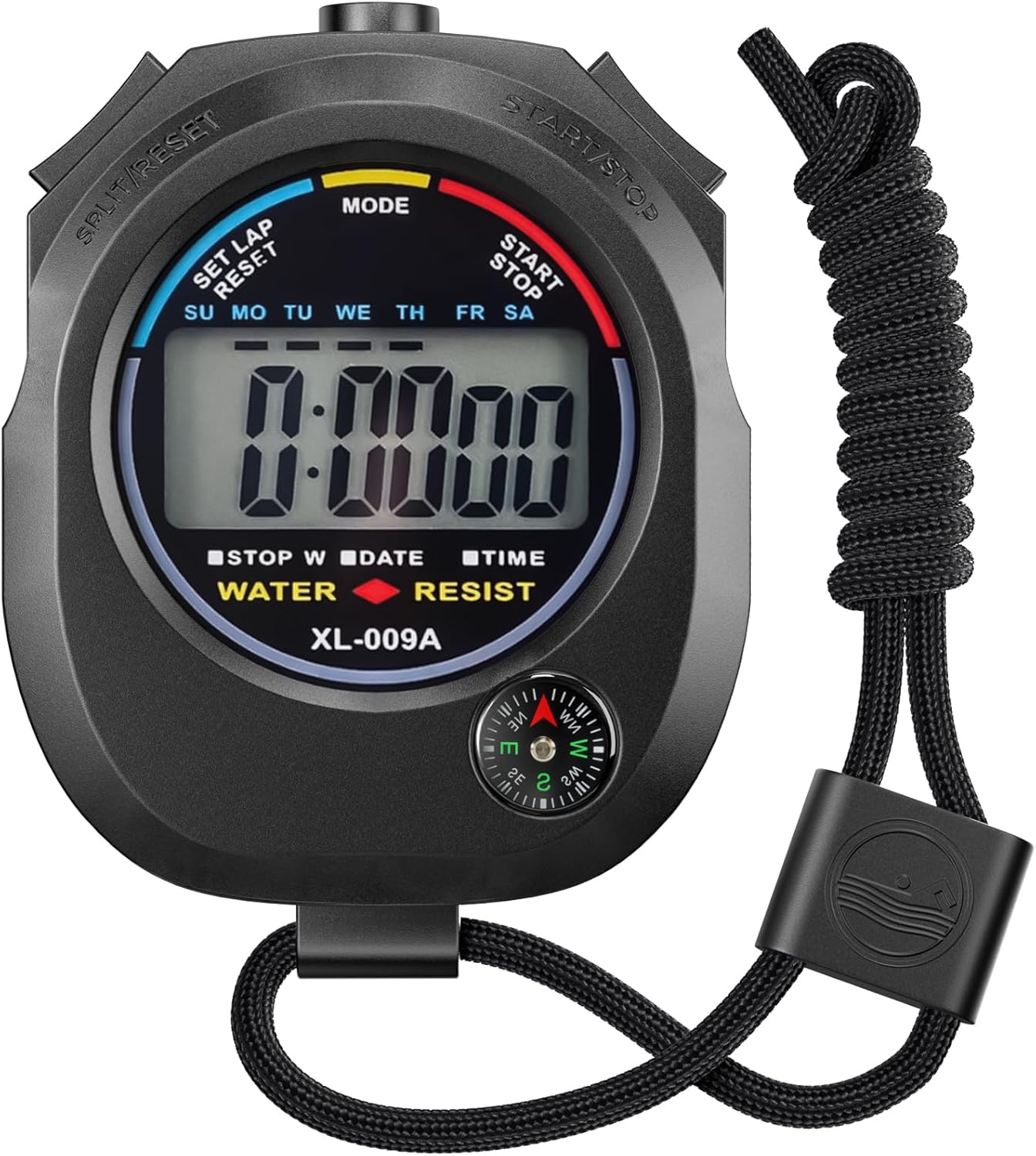
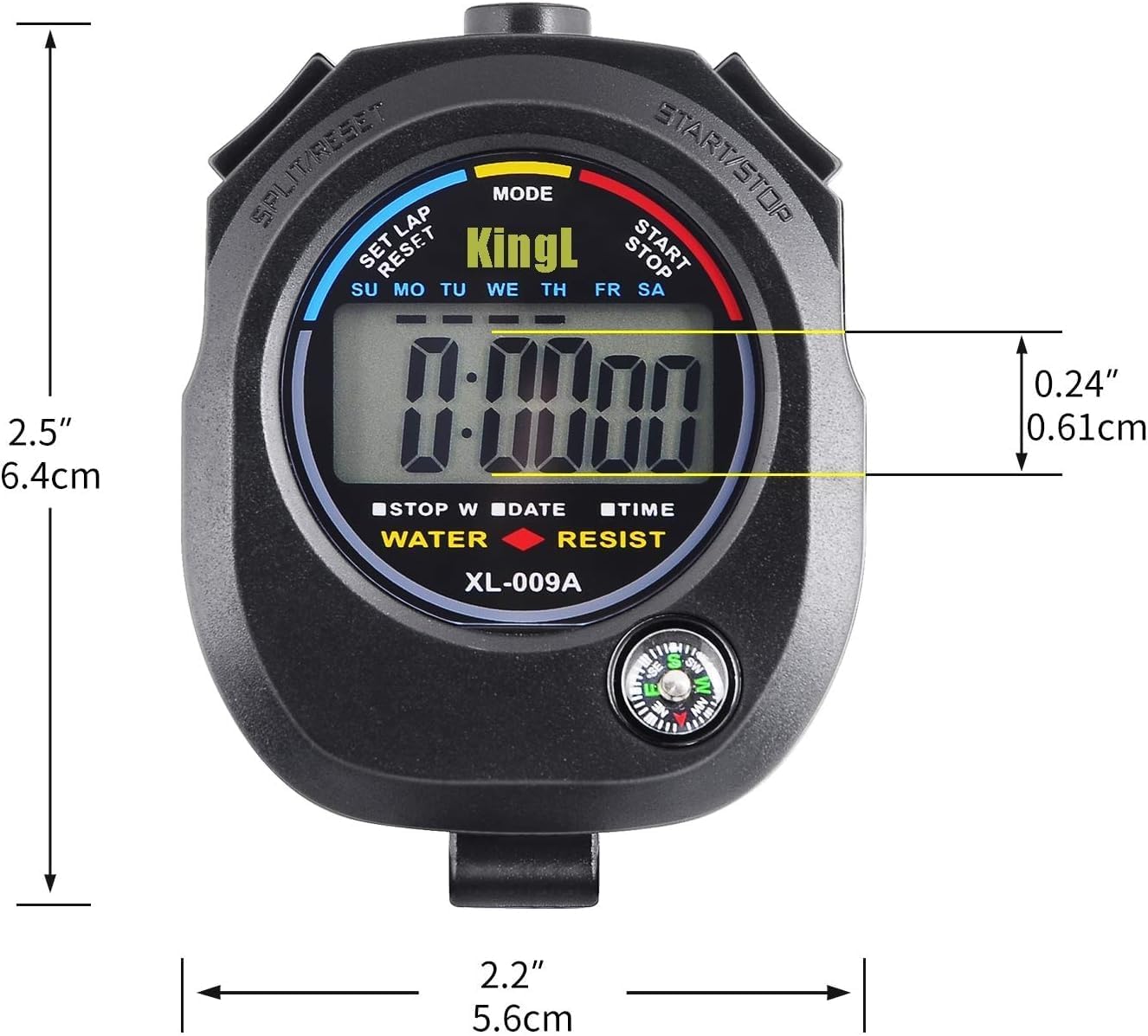
- Large Digital Display: The high-contrast LCD screen ensures excellent visibility, even from a distance or in low-light environments. Time, date, and timer readings are easy to read at a glance, reducing the chance of misreading critical data during fast-paced workouts or timed drills.
- Multi-Function Clock: Beyond timing events, the device functions as a full-featured digital clock. Users can switch between three display modes—current time, date, and alarm—giving it everyday utility beyond athletic use. This makes it suitable for home, gym, office, or classroom settings.
- Start/Stop Button: This central control manages all timing operations in stopwatch mode and doubles as the adjustment button when setting time or alarm values. Its responsive design allows for quick starts and stops, essential for capturing accurate intervals during training.
- RECALL/SET Button: In stopwatch mode, this button lets you review split or divided timings without interrupting the current count. During setup, it navigates between adjustable settings such as hours, minutes, and date fields, streamlining the configuration process.
- Alarm Function: A customizable daily alarm can be set to remind you of workouts, meetings, or other scheduled activities. The alarm activates with a visual indicator and can be quickly silenced by pressing the two outer buttons simultaneously while in clock mode—no need to navigate menus.
- Intuitive Mode Navigation: The MODE button allows seamless switching between functions. From the clock interface, pressing it cycles through time, alarm, and date views, and enters adjustment screens when needed. The operation follows a logical sequence, making setup straightforward even for first-time users.
Technical Specifications
- Display: Large digital LCD screen for high visibility
- Functions: Stopwatch, clock, date display, alarm
- Stopwatch Controls: START/STOP button for timing, RECALL/SET button for split times
- Clock Settings: Adjustable seconds, minutes, hours, day, month, week, and cycle
- Alarm Settings: Hour and minute configuration with visual flashing indicators during setup
- Display Modes: Three-switchable views (time, date, alarm)
- Alarm Disable: Press both outer buttons simultaneously in clock mode
Benefits & Use Cases
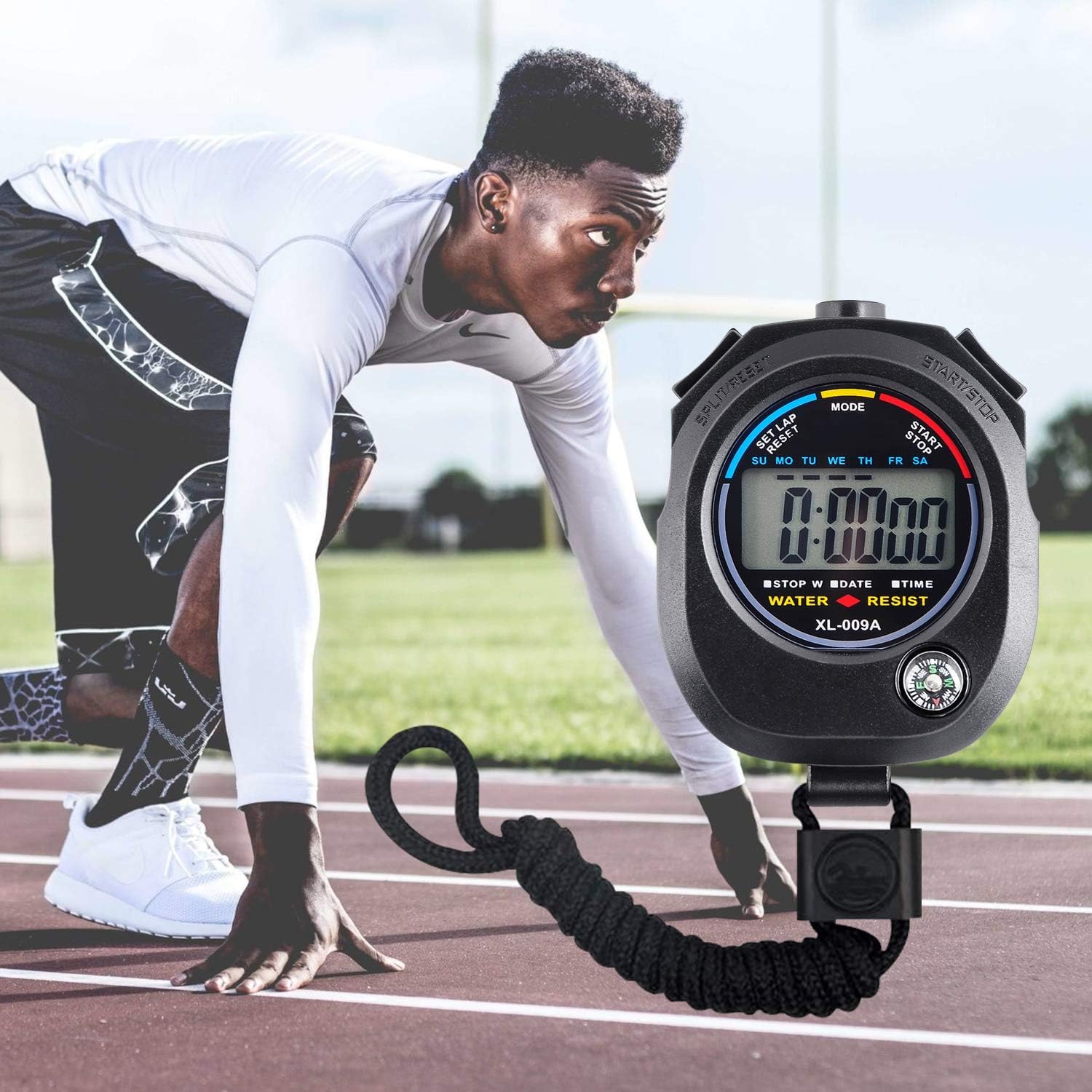
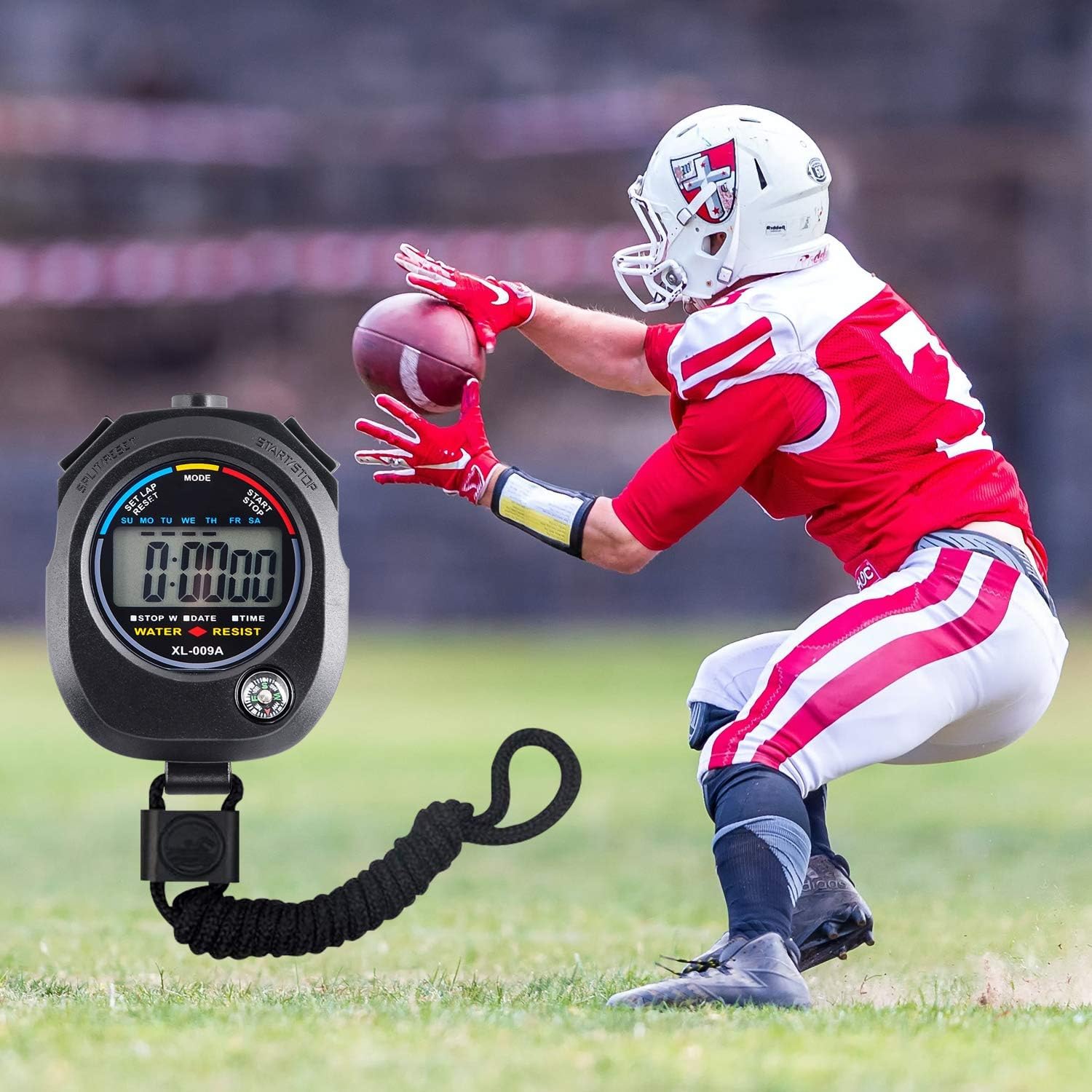
This timer excels in interval training scenarios where precise timing between work and rest periods is crucial. Athletes can use it to monitor sprint repetitions, track circuit training rounds, or log lap times during runs. Coaches benefit from its reliability when timing drills, managing session durations, or evaluating athlete performance across multiple intervals. The split-time recall feature allows users to review past segments without losing the current count, supporting detailed performance analysis.
Beyond fitness, the device serves well in daily life. The clock and alarm functions make it useful for setting reminders, managing schedules, or timing tasks like cooking, studying, or classroom activities. Its simple button layout and clear display ensure accessibility for users of all ages and technical comfort levels. Whether placed on a gym bench, kitchen counter, or office desk, it operates reliably in various environments.
Important Notes
All functions are controlled using the MODE, START/STOP, and RECALL/SET buttons. To adjust the clock, enter the clock function interface and press the MODE button three times. Use START/STOP to change values and RECALL/SET to move between settings—seconds, minutes, hours, day, month, week, and cycle. For the alarm, press MODE twice from the clock view to access the alarm screen. The hour value will flash; use START/STOP to set it, then press RECALL/SET to move to minutes. Repeat to complete the alarm time. To silence an active alarm, press both outer buttons at the same time while in clock mode. For best results, place the timer on a stable surface during use to prevent accidental button presses. No external accessories or replacement batteries are referenced in the provided specifications.



Original price was: $ 11.99.$ 5.99Current price is: $ 5.99.